
Download Webeecam – USB Web Camera, Video Recording, Image Capture, Android App
Overview
Webeecam is a specialized Android application designed to enable users to display, record video, and capture still images from a USB UVC (USB Video Class) camera. The software functions as a bridge between external USB cameras and Android devices, offering a straightforward solution for users who need to leverage high-quality video input on mobile platforms. It is particularly useful for remote monitoring, live streaming, video conferencing, or content creation that requires a dedicated camera input.
The app is exclusively available for Android, targeting users with devices running Android 4.3 or later. Its primary audience includes hobbyists, educators, developers testing camera integration, and professionals in fields requiring portable video capture solutions. The developer, e-con Systems, specializes in embedded vision and camera solutions, which aligns with the app’s technical focus.
While the app has not seen updates since 2015, it remains functional for basic UVC camera operations on compatible devices. Real-world usage scenarios include using a USB webcam with an Android tablet for virtual teaching, capturing footage for DIY projects, or integrating a camera into a custom Android-based monitoring system.
Key Features & Capabilities
- USB UVC Camera Support – Enables connection and operation of standard USB UVC-compatible cameras with Android devices via OTG (On-The-Go) functionality.
- Real-Time Video Display – Provides a live preview of the camera feed directly on the Android screen, suitable for monitoring or live viewing.
- Video Recording Functionality – Allows users to record video directly to the device’s internal storage or SD card, supporting common formats compatible with UVC output.
- Image Capture – Offers the ability to take still photographs from the camera feed, useful for documentation or quick snapshots.
- Compatibility with Android 4.3+ – Designed to work on a broad range of Android devices that support USB OTG and UVC standards.
These features enable practical applications such as setting up a portable security camera using a USB webcam and an Android tablet, using a dedicated camera for remote teaching sessions, or capturing high-resolution images for technical documentation. The app’s lightweight nature and direct hardware access make it efficient for basic video input tasks. Since the software does not include advanced editing or streaming tools, its strength lies in simplicity and reliability for core camera functions. Users benefit from direct access to camera hardware without the need for complex configurations or additional drivers. The absence of cloud integration or AI enhancements suggests a focus on fundamental functionality, appealing to users who prioritize stability over advanced features.
User Interface, Workflow & Performance
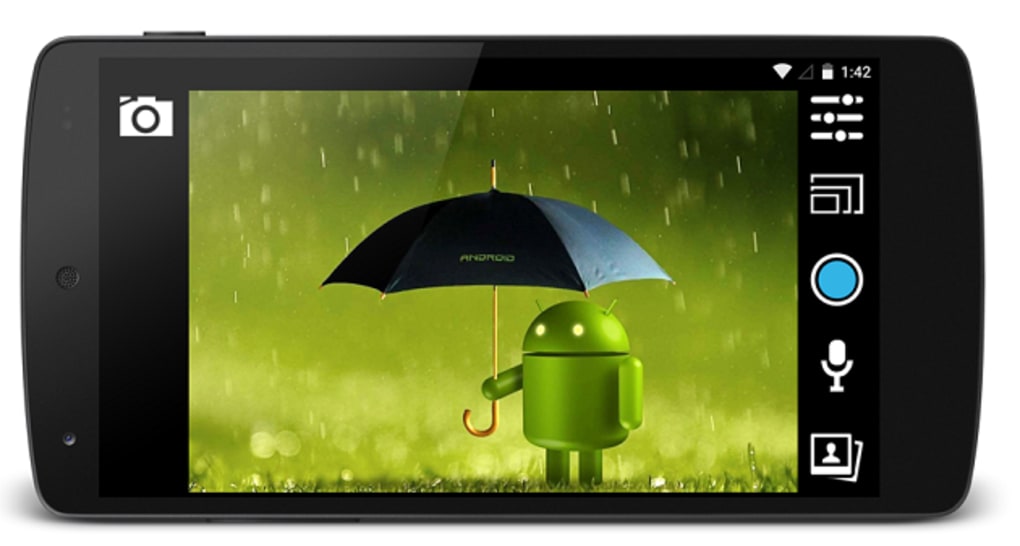
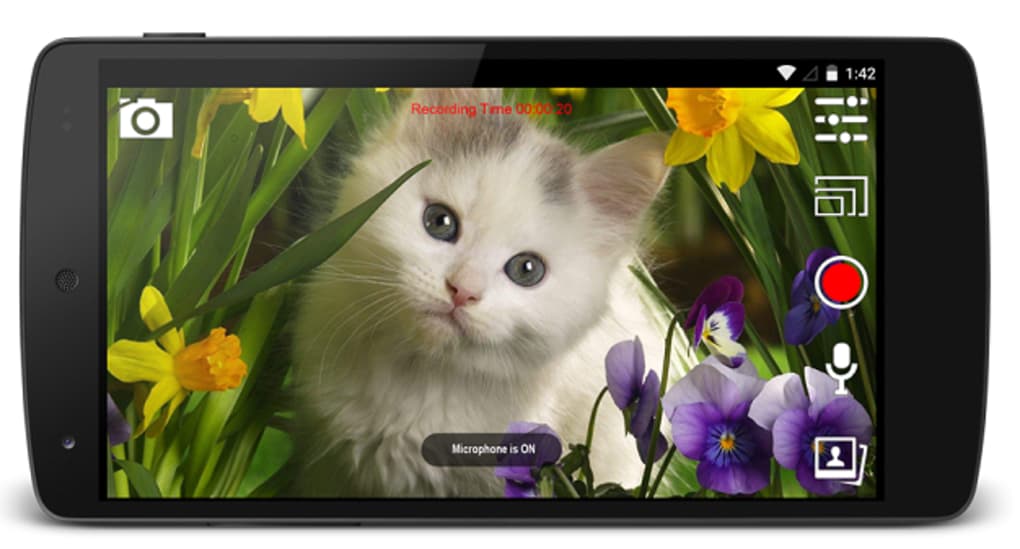
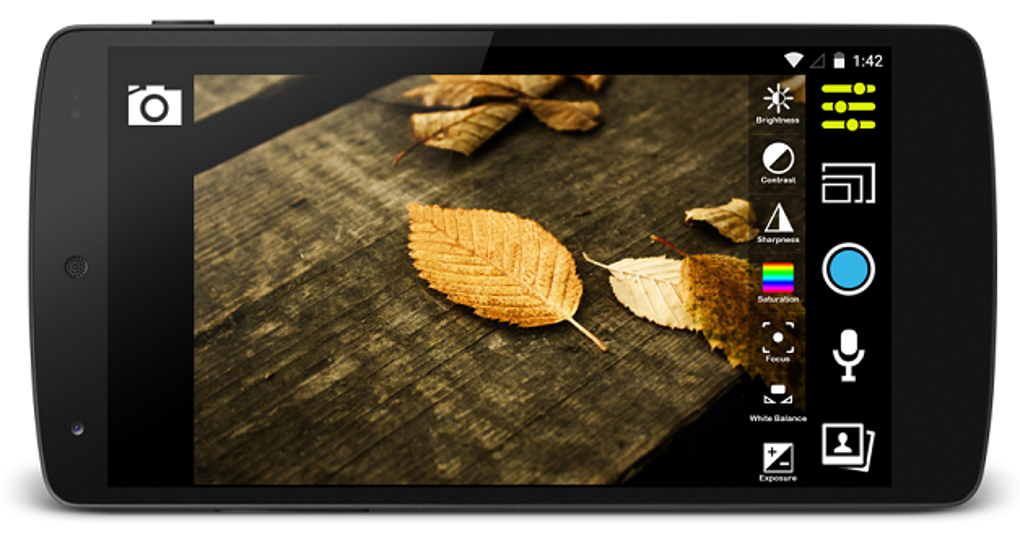
Webeecam features a minimalistic user interface focused on core functionality, with a primary screen displaying the live camera feed. Navigation is straightforward, relying on on-screen buttons for recording and capturing images. The workflow is linear: connect the USB camera via OTG, launch the app, and begin viewing or recording.
This simplicity reduces the learning curve, making it accessible to users with limited technical experience. The app does not include customizable settings for resolution, frame rate, or exposure, suggesting a fixed default behavior based on the camera’s output. Performance is expected to vary depending on the host device and USB connection quality.
The developer did not specify resource usage details, so CPU and RAM behavior cannot be confirmed. However, given the app’s limited scope and lack of real-time processing features, it likely imposes minimal load on the system. Stability is likely consistent for basic operations, though long-term usage or high-resolution video may depend on device capabilities.
The app has not been updated since 2015, so compatibility with newer Android versions or devices may be limited. Performance observations are based on general software behavior patterns.
Compatibility & System Requirements
Webeecam is designed for Android devices running version 4.3 or higher. The app requires USB OTG (On-The-Go) support to connect external USB cameras, which is standard on most tablets and modern smartphones. The installation size varies depending on the device and Android version, as the developer did not provide a fixed file size.
Compatibility with specific hardware models is not detailed, and no official list of supported USB cameras is available. The developer did not provide additional system requirements, so users should ensure their device supports both USB OTG and UVC camera protocols. The app is only available in English, which may affect usability for non-English speakers.
While the software has been available since 2015, the lack of updates raises concerns about long-term compatibility with newer Android releases. The absence of detailed compatibility information limits the ability to predict performance on specific devices. Compatibility information was partially provided.
Pros and Cons
Pros
- Direct support for USB UVC cameras on Android devices.
- Simple, intuitive interface suitable for basic users.
- Enables video recording and image capture without additional hardware.
- Lightweight and efficient for core camera operations.
- Available for free on Android with no in-app purchases.
Cons
- No recent updates since 2015; may lack support for newer Android versions.
- Limited customization options for video settings.
- Does not support advanced features like streaming or video editing.
- Developer did not provide detailed system requirements or supported camera list.
- Only available in English, limiting accessibility for non-English users.
FAQ Section
Is Webeecam compatible with my Android device?
Webeecam requires Android 4.3 or later and USB OTG support. Ensure your device meets these minimum requirements. Compatibility with specific models is not officially documented.
Can I use any USB camera with Webeecam?
The app supports USB UVC-compatible cameras. Not all USB cameras are UVC-compliant, so functionality depends on the camera’s protocol. The developer did not provide a list of supported devices.
Is Webeecam safe to download and use?
Webeecam is published by e-con Systems, a known developer in embedded vision. The app is free and does not require root access. However, due to its age and lack of updates, users should exercise caution when downloading from unofficial sources.
Does Webeecam require an internet connection?
No, the app functions entirely offline. It operates using local USB connections and does not require an internet connection for core features like video display, recording, or image capture.
Can I update Webeecam to a newer version?
The last update was released on September 21, 2015. No newer versions are currently available through official channels. Users should check the developer’s website or app store for potential updates.
Final Thoughts + CTA
Webeecam remains a niche but functional tool for users seeking to leverage USB UVC cameras on Android devices. Its simplicity, direct hardware access, and lack of in-app costs make it a viable option for basic video capture tasks. While the absence of updates and limited feature set may deter modern users, it still serves as a reliable solution for legacy setups or technical projects requiring minimal intervention.
The app is best suited for hobbyists, educators, and developers working with embedded systems. For those needing a lightweight, no-frills camera interface on Android, Webeecam delivers on its core promise. Despite its age, it continues to fulfill its intended purpose for compatible devices.
Download Webeecam now.






.png)
